
Abyssal Escape Vessel Customization — 6 Tabs, Presets & Hex
Customize your Survivor Vessel across all 6 free lobby modules (Head, Torso, Arms, Legs, Scales, Voices) with hex color pickers. Build your preset now.
Tactical FAQ
Do Vessel customizations affect hitboxes or movement speed in Abyssal Escape?
How do I enter custom Hex color codes on my Vessel?
What Presets are included in the Abyssal Escape character editor?
How Does the 6-Module Vessel Character Creator Work in Abyssal Escape?
One of the standout features of Abyssal Escape on Roblox is its full Vessel Customization System. Instead of fighting over who gets to pick Sonic, Tails, or Knuckles in the pre-game lobby, every player builds their own custom Survivor Vessel across 6 dedicated editor modules—all unlocked for free during the October 2026 Public Playtest.
| Editor Module | What You Can Customize | Tactical / Aesthetic Tip |
|---|---|---|
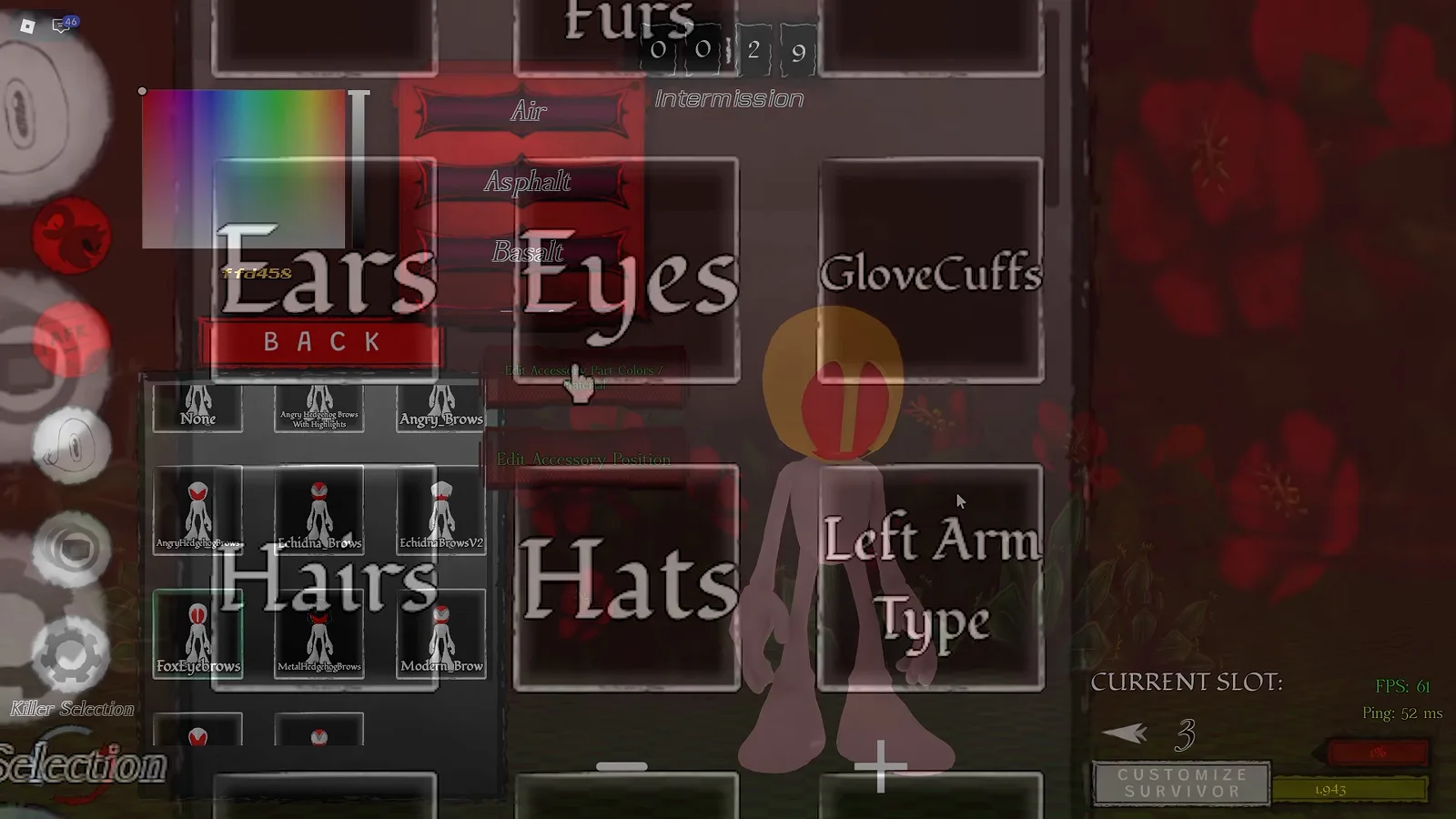
| 1. Accessories | Ears, Eyes, Hairs, Hats, Backs, Chest Furs, Left/Right Arm Tape | Toggle materials and use move/rotate/scale sliders to fit custom hats or quills. |
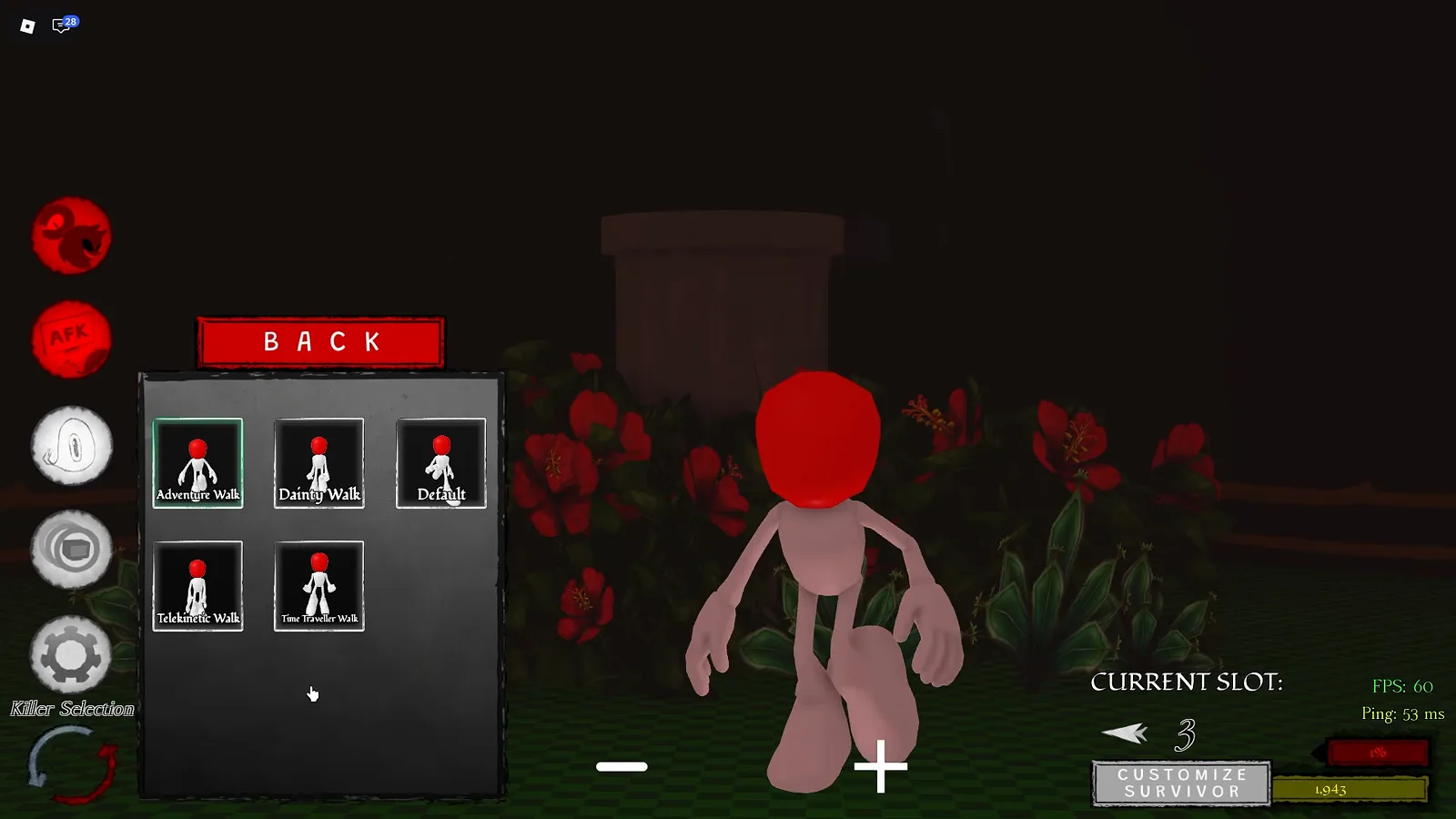
| 2. Animations | Idle stances, Running cycles, Crouch animations, Injured poses | Pick compact idle and crouch animations to keep a low profile behind stone pillars. |
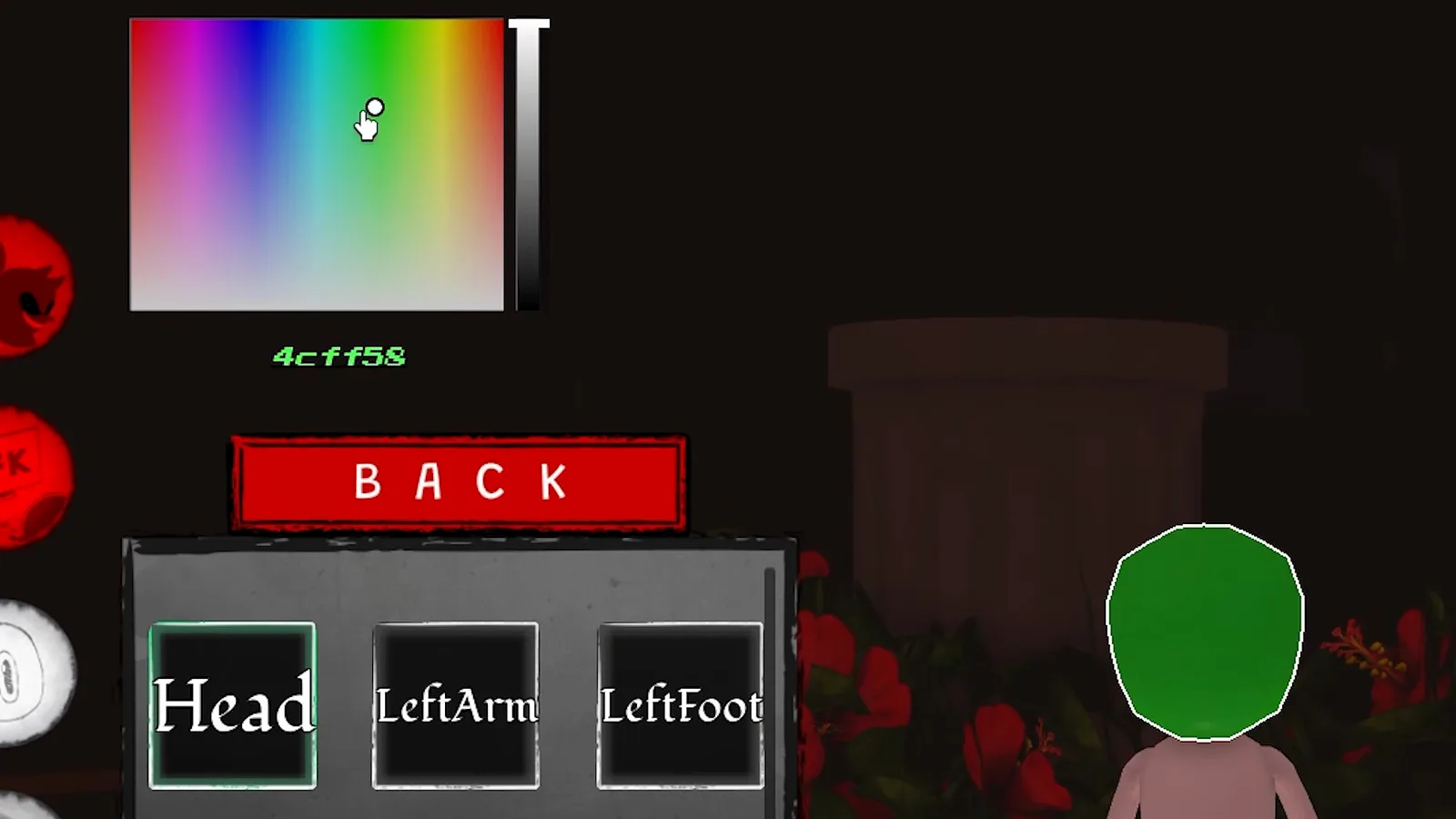
| 3. Body Parts | Head, Left/Right Arm, Left/Right Hand, Left/Right Leg, Left/Right Foot, Left/Right Ring | Highlights the active part in white on your 3D model for independent coloring. |
| 4. Presets | Sonic Hog, Black Knife, Dark Prince, Feminine Knight, Feminine Hedgehog, Hopeful Girl, Masculine | Load a one-click preset first, then tweak individual colors and accessories. |
| 5. Scale | Vertical proportion slider for overall Vessel height/build | Slightly smaller scales make hiding behind cover on Don’t Drown easier. |
| 6. Voices | Custom voice packs and hurt/taunt audio (Hurt 1–Hurt 5, etc.) |
Pair with the Taunt skill from our Survivor Abilities Guide. |
Best Tactical & Aesthetic Hex Color Codes for Vessels
When customizing Body Parts (Head, Arms, Legs, Rings), you can type exact 6-digit Hex codes directly into the RGB picker. Depending on whether you want stealth camouflage in dark maps or classic Sonic cosplay, try these tested palettes:
- Abyssal Stealth Camouflage (Best for Hiding from Killers):
- Primary Fur / Body:
#141A22(Deep Slate Charcoal — blends into dark dungeon walls) - Secondary Trim / Tape:
#262E3D(Muted Shadow Gray) - Eye / Ring Accent:
#4B3F72(Low-glow Dusk Purple — blends with Dispelling Mists)
- Primary Fur / Body:
- Classic Golden Ring & Fleetway Palette:
- Golden Ring / Super Fur:
#FFD458(Verified Playtest Gold Hex) - Crimson Ring Shoes:
#C41E3A(Archive Crimson) - Clean Glove White:
#F4F2EE
- Golden Ring / Super Fur:
How to Save Slots, Adjust Scales & Customize Accessories
- Start With a Preset Slot: Check the CURRENT SLOT indicator in the bottom-right corner of the Customize screen so you don’t overwrite your favorite Vessel build.
- Fine-Tune Accessory Placement: Inside Accessories, you are not limited to static hats—use the transform controls to adjust scale, offset, and material textures on Ears, Chest Furs, and Arm Tape.
- Test Your Scale & Animations: Switch to the Scale and Animations tabs to preview how your Vessel moves during a chase, then head into our Beginner Survival Guide to test your build in a live round.

Abyssal Escape Full Vessel Character Customization Walkthrough
Related Tactical Files
codes
Abyssal Escape Codes (October 2026) — Free PTB Rewards
Verified October 2026 Abyssal Escape Roblox codes status, how to claim all free Vessel cosmetics in the Public Playtest, and how Rings rewards work.
survivors
Abyssal Escape Survivor Abilities — Best 2-Slot Builds
Complete Abyssal Escape Survivor abilities tier list and loadout guide: master Drop Dash, Homing Attack, Boost, Block, Trap, Banana Peel, and Taunt.
Was this helpful?
Thanks for the feedback!